Free Games: The Ultimate Catch for Anglers
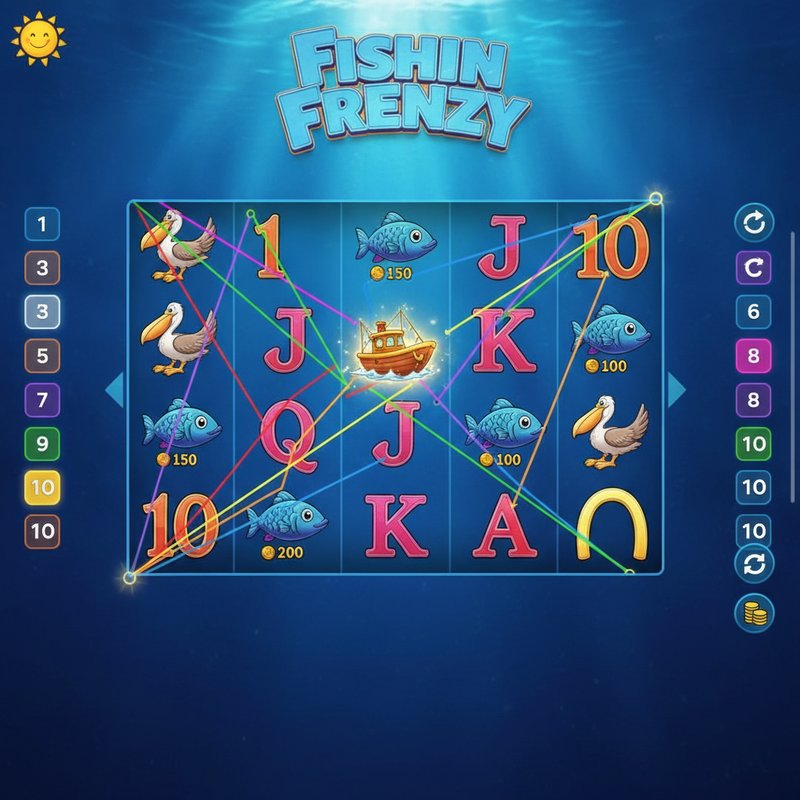
Trigger: Land 3, 4 or 5 Boat scatter symbols anywhere on the reels to activate 10, 15 or 20 free games respectively
Landing three Boat scatters awards 10 free games. Four scatters yield 15. Five scatters unlock the full 20. The reels start turning and at first glance seem identical to standard gameplay, but there is one crucial difference: the Fisherman wild can now appear.
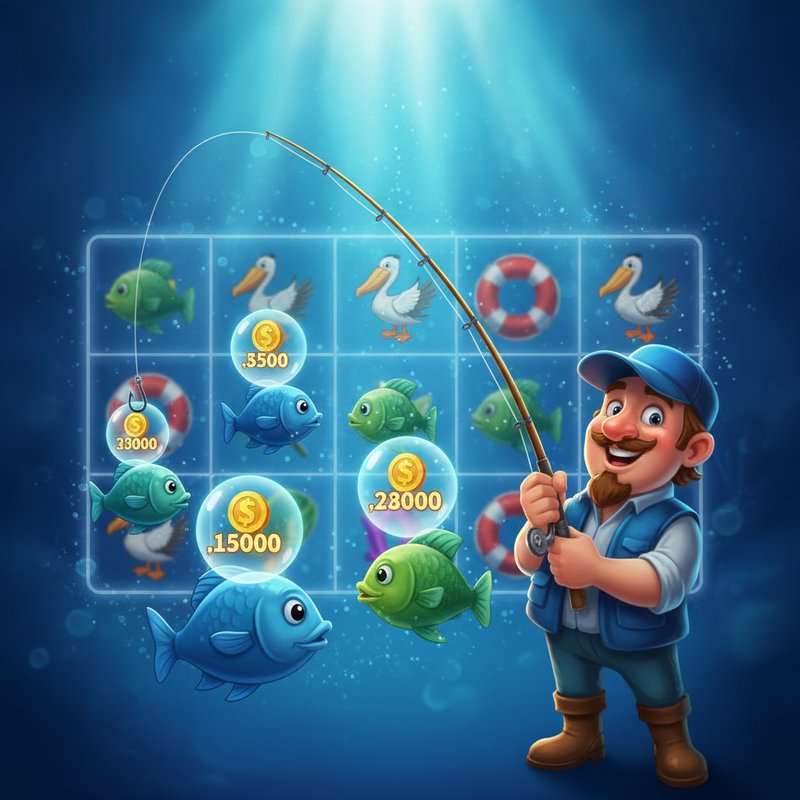
When he appears, he collects the prize from every fish symbol visible on the reels. Fish carry individual values of 20, 50, 100, 150, 200, 250 or 500 credits. If two fishermen land alongside multiple fish in a single spin, you see a double collection, with each fisherman separately claiming all fish values.
Fisherman Feature: During free games, any Fisherman (wild) appearing on the reels collects the prize value from all fish symbols visible on screen. Fish prizes range from 20 up to 500. Multiple fishermen landing in one spin each collect all fish values independently, rapidly increasing winnings.
This accumulation mechanism is where Fishin' Frenzy reveals its strength. A single spin with multiple fishermen and several high-value fish symbols can exceed base game outcomes by a considerable margin.
A key point: free games cannot be retriggered. Consequently every awarded spin counts, and excitement builds naturally as you watch your remaining spins decrease.